 MeetingsAugust 18, 2026
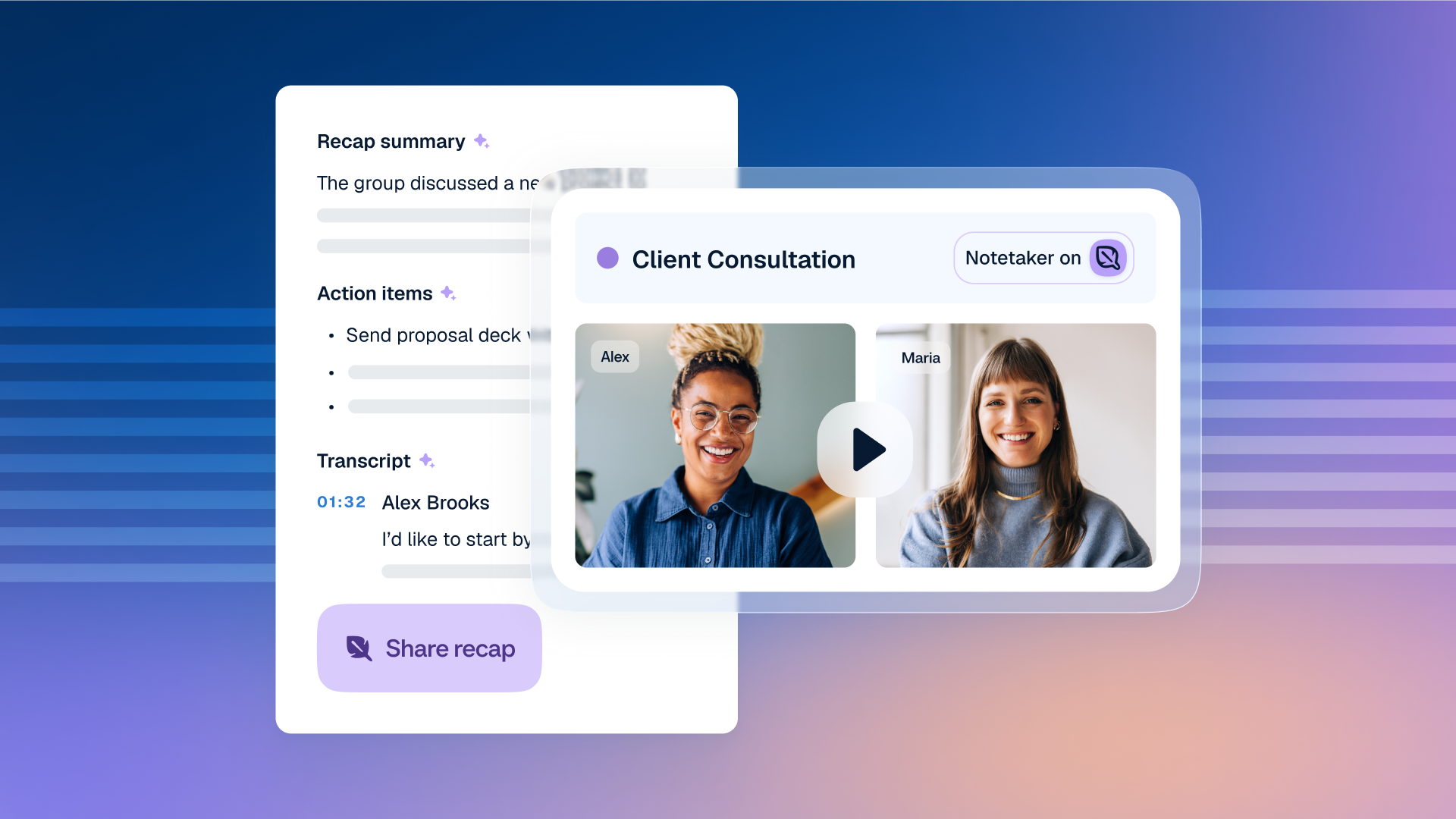
What is Calendly Notetaker and how does it work?
Notetaker helps you focus during meetings and move work forward after the conversation ends.
Consulting & professional servicesHow to use Calendly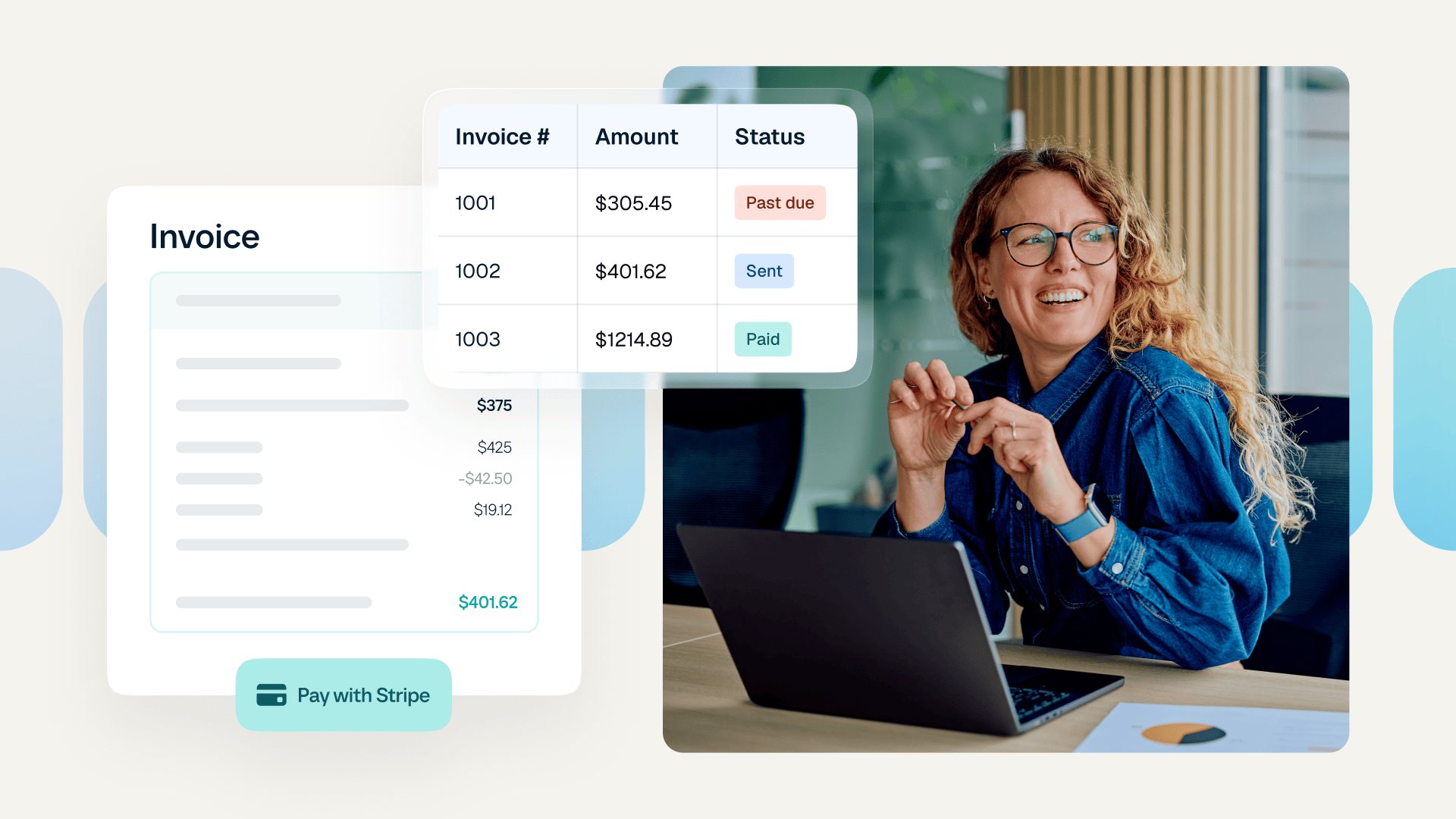 Growth & ProductivityJuly 21, 2026
Create and send invoices right from Calendly
Easy payments without extra admin. Create, send, track, and get paid for invoices with Calendly.
Consulting & professional servicesHow to use Calendly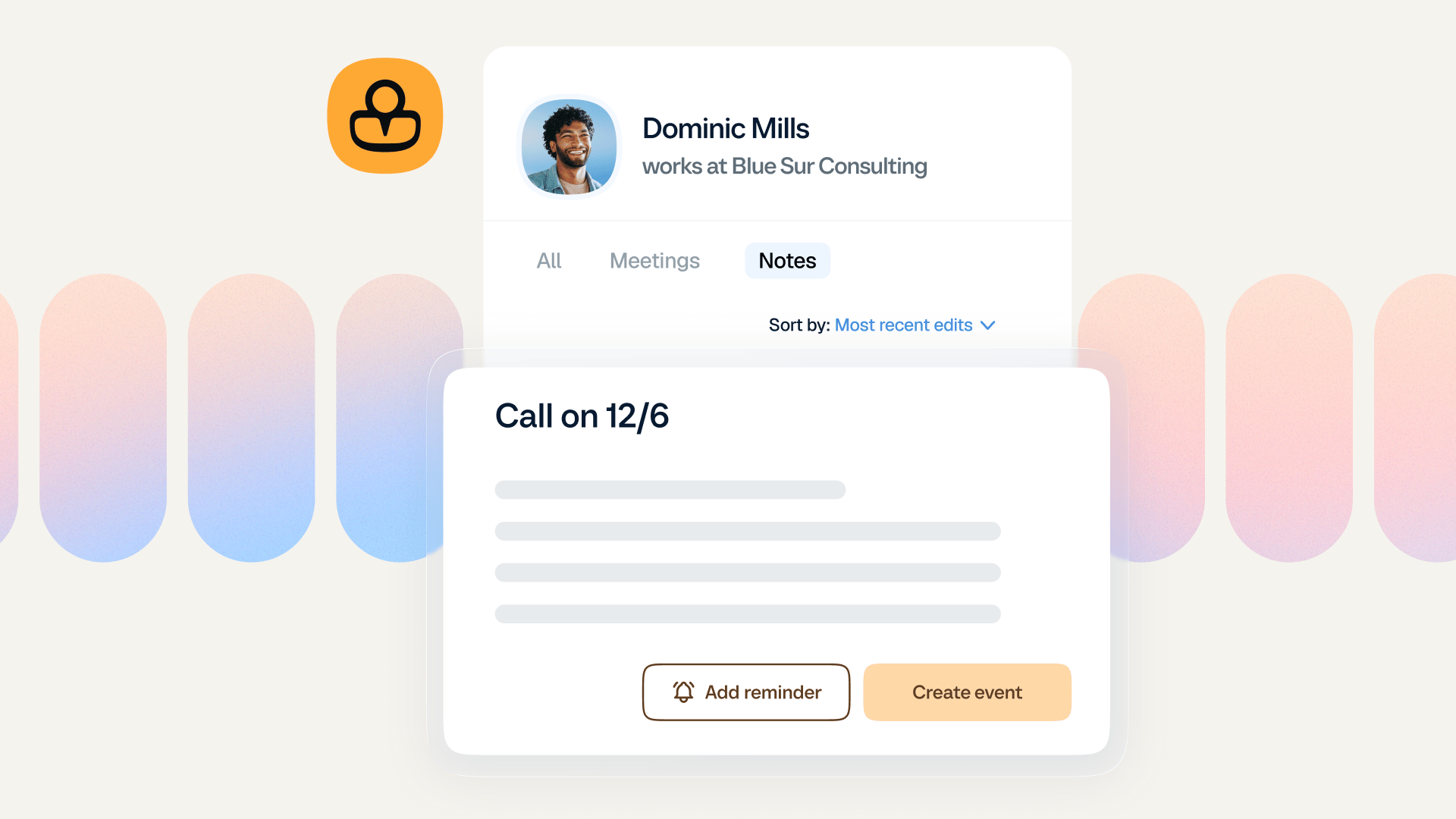 Relationship ManagementApril 28, 2026
6 ways to manage your contacts with Calendly
Track client and customer info without messy spreadsheets, disconnected tools, or complex CRM setup.
Consulting & professional servicesHow to use Calendly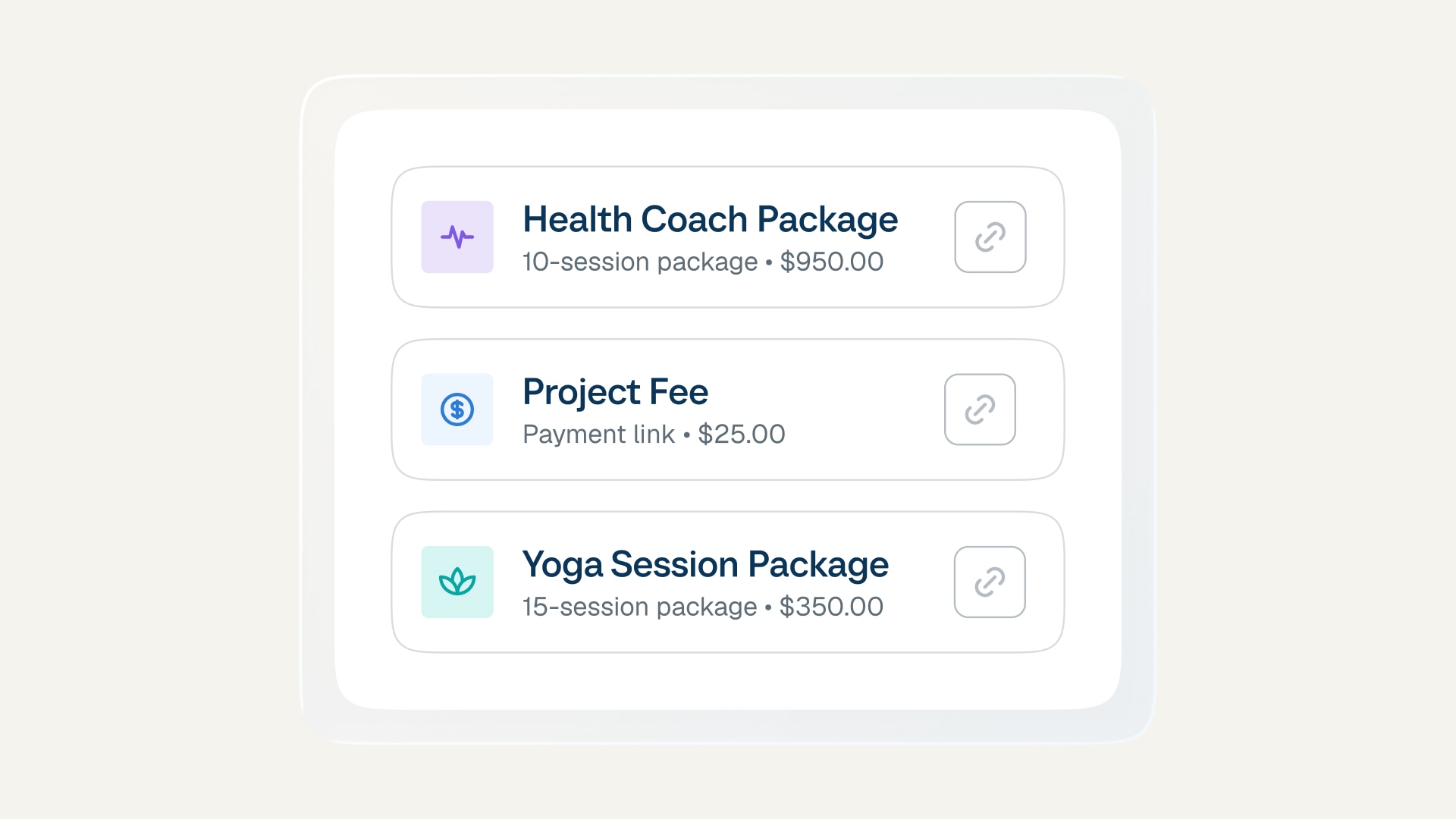 SchedulingMarch 24, 2026
Meeting packages: Turn one-time clients into loyal regulars
Sell more, simplify your workflow, and keep clients coming back with multi-session bundles.
Consulting & professional servicesHow to use Calendly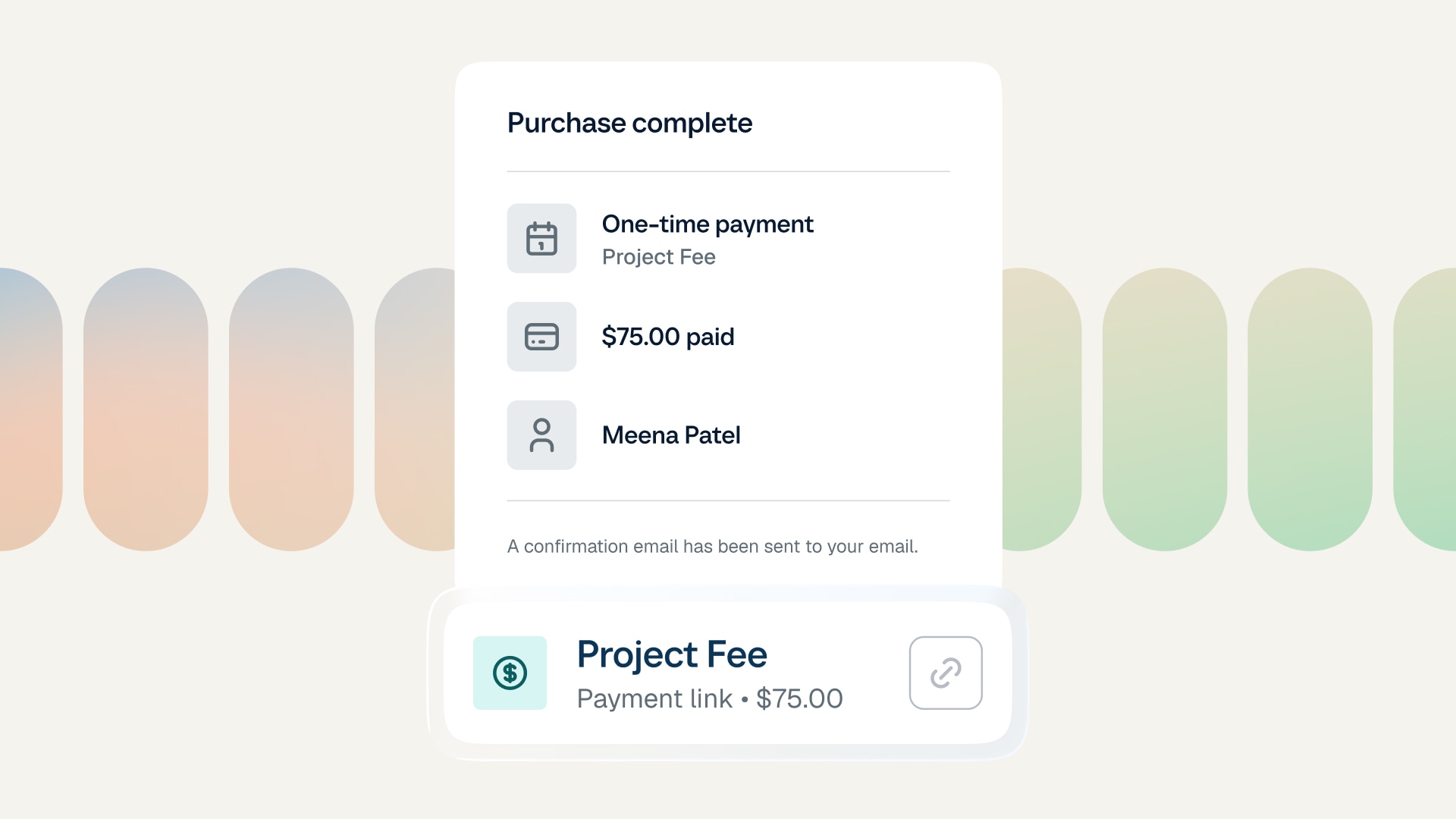 Growth & ProductivityMarch 24, 2026
Payment links: Get paid for anything, anytime
Create shareable links to request payment for services, deliverables, and more. No booking required.
Consulting & professional servicesHow to use Calendly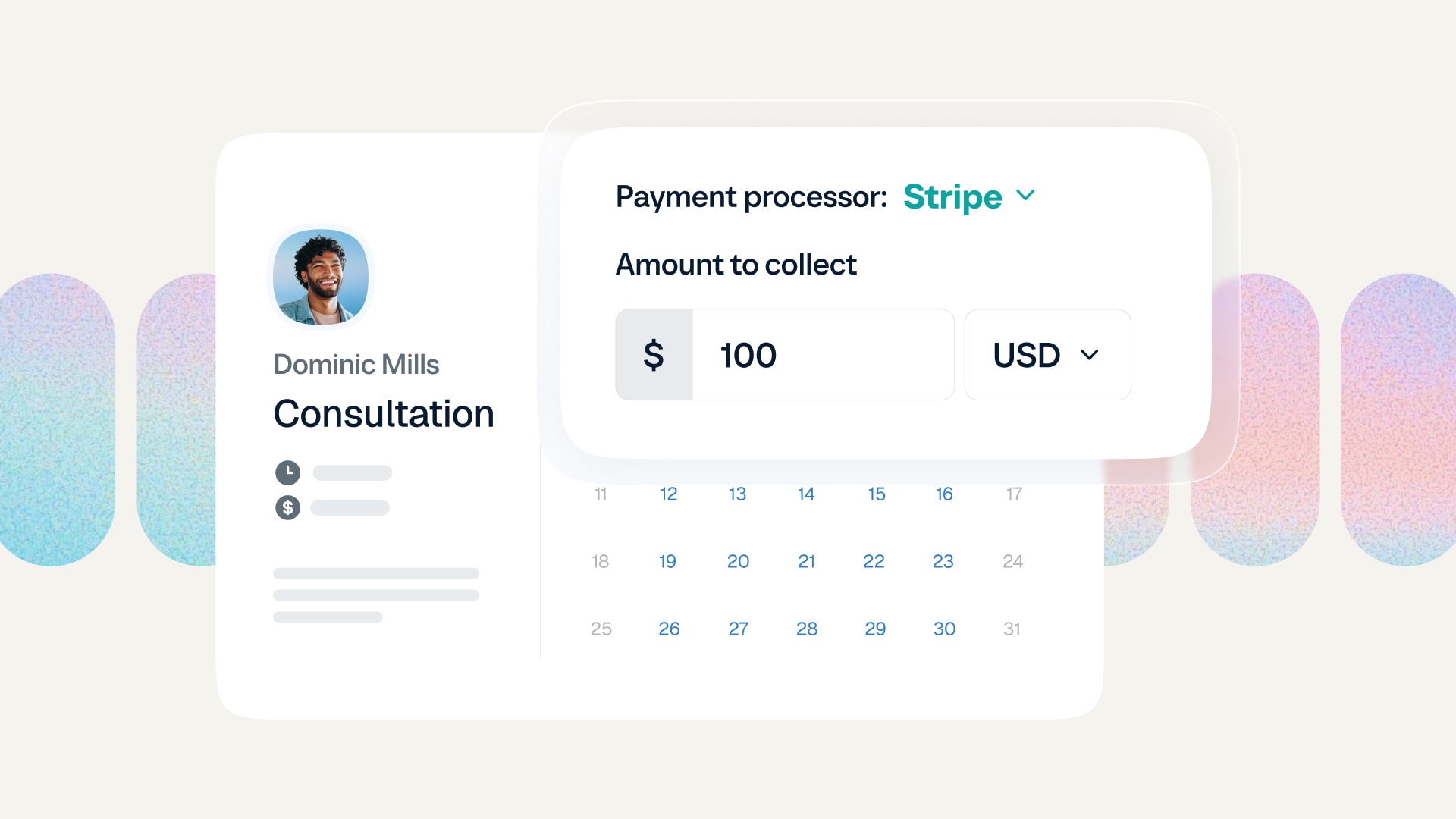 SchedulingFebruary 27, 2026
How to add payments to your Calendly booking page
Learn how to set up payments and charge upfront for Calendly meetings and appointments.
How to use CalendlyConsulting & professional services SchedulingNovember 19, 2025
How to share your Calendly scheduling link
Learn how to share your Calendly link so people can start scheduling with you.
How to use Calendly Company & ProductOctober 16, 2025
Build powerful custom apps with Calendly APIs
Create smarter scheduling experiences for your users with Calendly APIs.
How to use CalendlyProduct updates SchedulingSeptember 23, 2025
How to send a calendar invite with Calendly
Learn three easy ways to invite people to book with you via Calendly.
How to use Calendly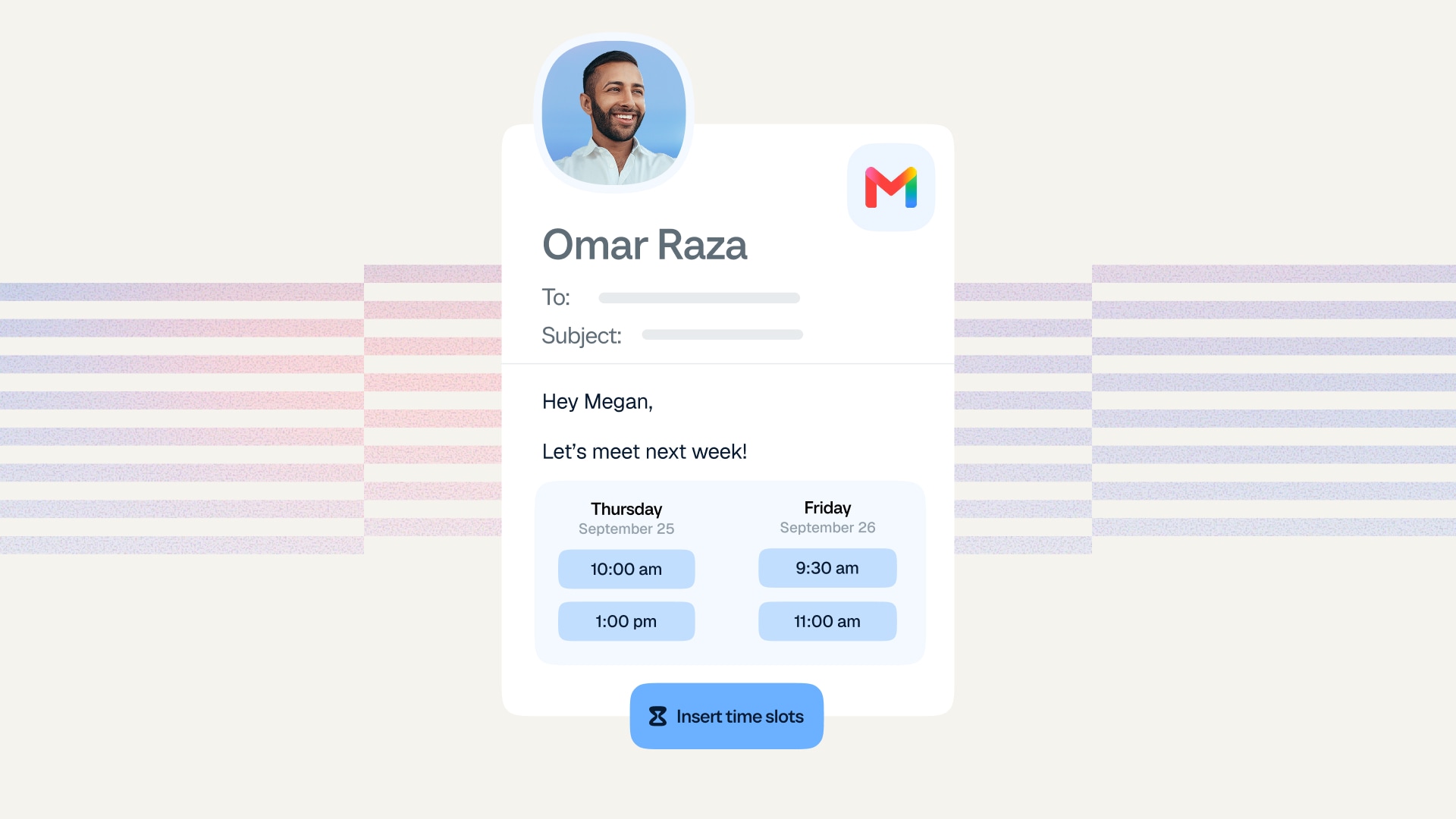 SchedulingAugust 16, 2025
How to add your calendar availability directly to any email
Add clickable time slots to your emails for faster, easier scheduling.
How to use Calendly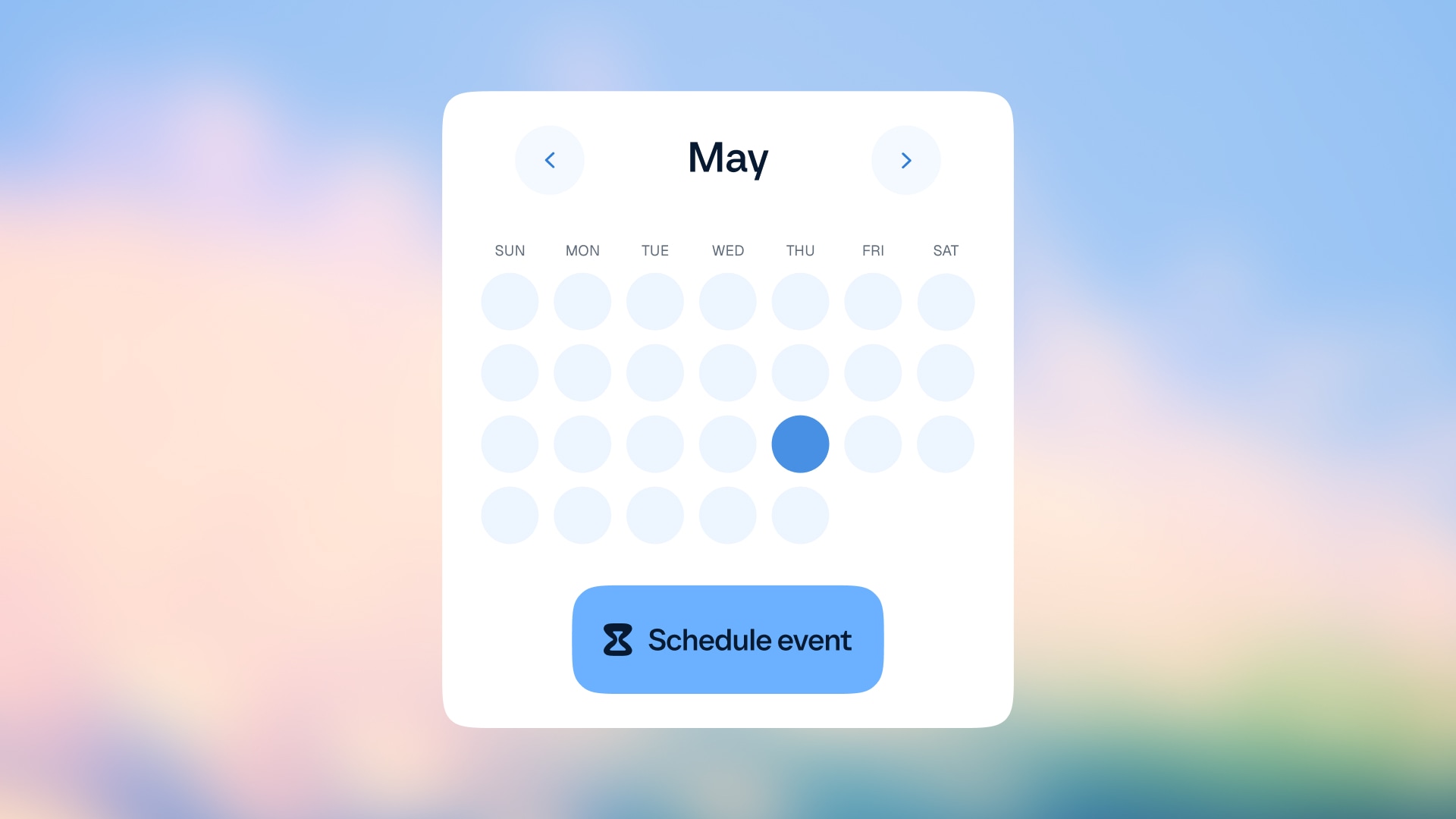 SchedulingAugust 11, 2025
How to share your availability with Calendly
From booking links to website embeds, learn how to share your availability for easier scheduling.
How to use Calendly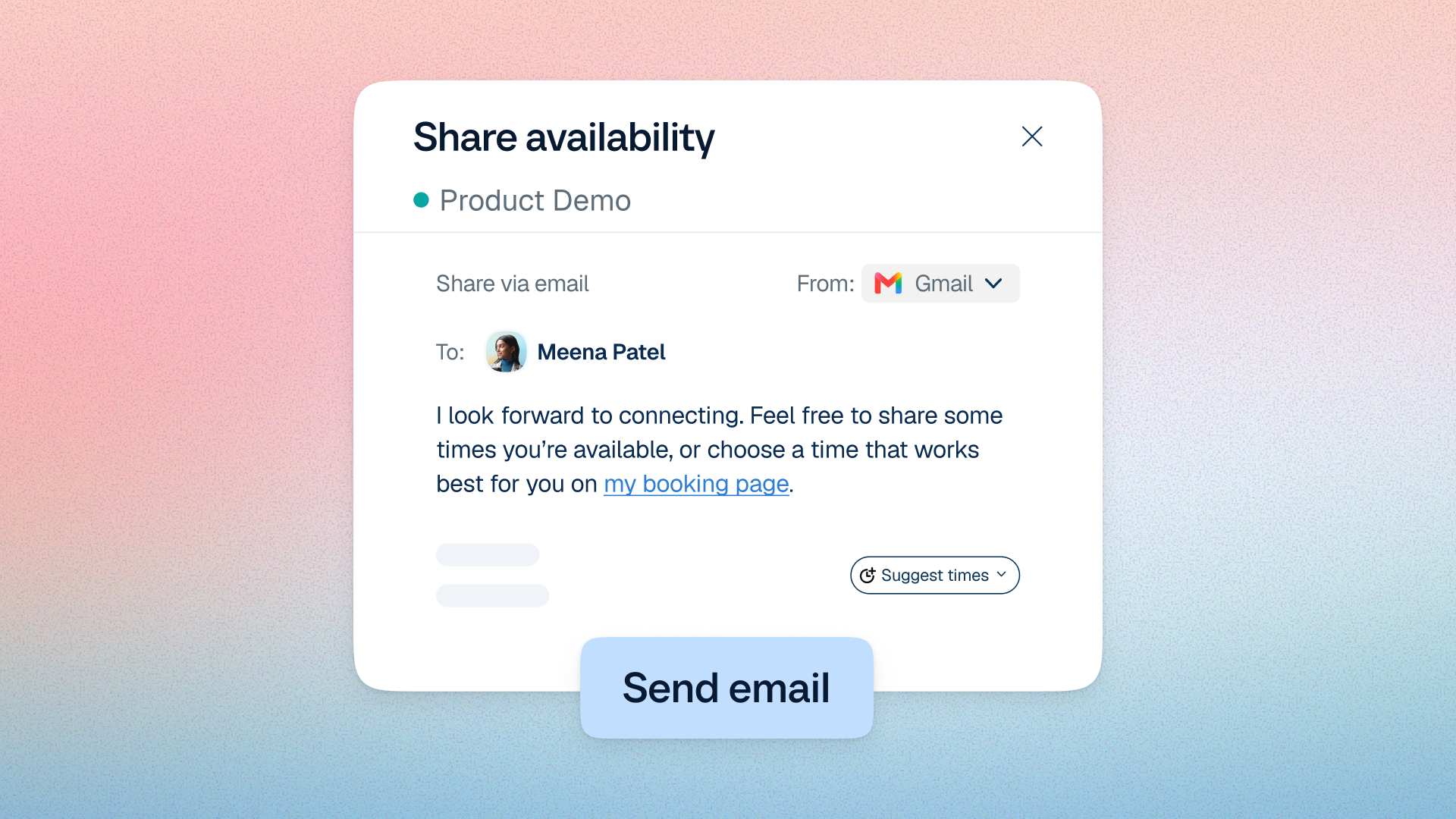 SchedulingAugust 8, 2025
More bookings, less follow-up — with emails sent right from Calendly
Share your booking link, booking reminders, and reschedule requests right from Calendly.
How to use Calendly